 Ultra Cleaner
iPhone Storage Full But Nothing on Phone? Here's Why
Your iPhone says storage is full, but you "barely have anything on it." Almost always, the space is going to one of four invisible places: photo clutter you don't count as clutter, System Data, Recently Deleted, or message attachments. Here's how to check each one and get your space back.
Last updated: July 14, 2026
Step 1: Look at the real breakdown
Open Settings → General → iPhone Storage and wait for the colored bar to load (it can take a minute). This tells you where to aim. Now work through the culprits in order:
Culprit 1: Photos you don't think of as "stuff"
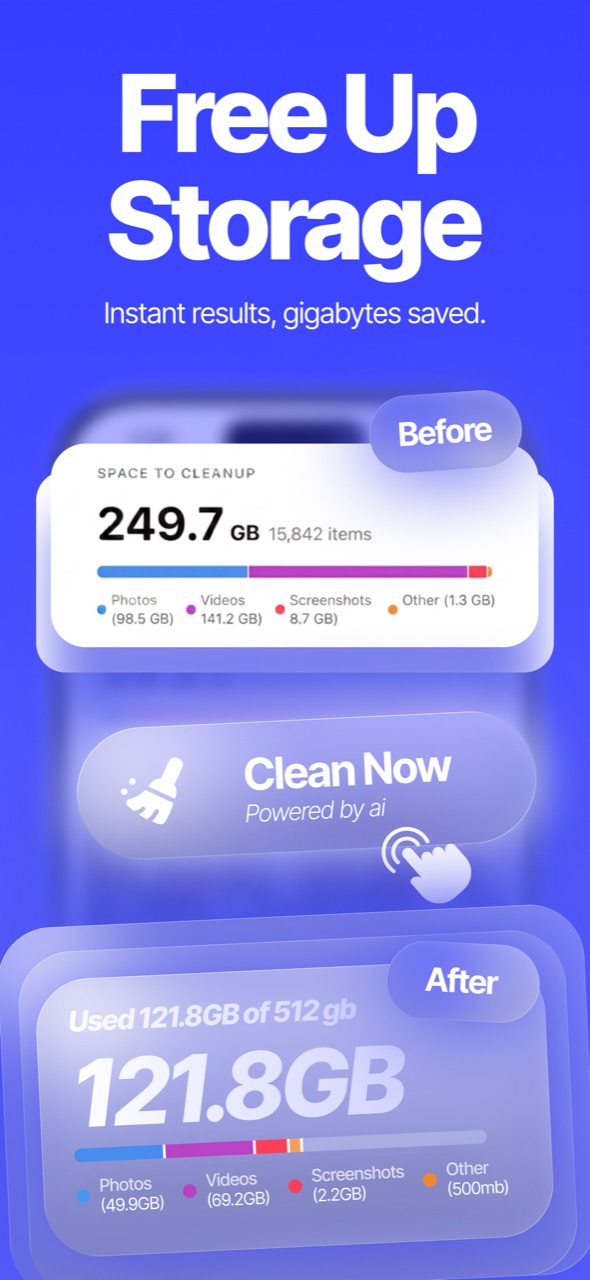
"Nothing on my phone" usually means "no apps or downloads" — but 8,000 photos and 200 videos are tens of gigabytes. The catch: most of it is duplicates, burst shots, blurry photos, screenshots and 4K videos — clutter, not memories. A scan makes the difference visible: Ultra Cleaner groups the removable stuff and shows exactly how many GB it's worth. Guides: delete duplicate photos · compress videos.
Culprit 2: Recently Deleted still holds everything
Deleted photos don't free space for 30 days — they sit in Photos → Albums → Recently Deleted. If you just cleaned up and storage didn't budge, this is why. Open the album, select all, delete permanently.
Culprit 3: System Data ballooned
In the storage breakdown, System Data (caches, logs, Siri voices, streaming buffers) can quietly grow to 10–20 GB. iOS clears it opportunistically, but the reliable fixes are:
- Restart the phone — clears many temp caches.
- Clear Safari data — Settings → Safari → Clear History and Website Data.
- Offload heavyweight apps whose caches grow (social/video apps) — Settings → General → iPhone Storage → the app → Offload.
- Worst case: back up and restore the iPhone — a fresh system partition drops System Data dramatically.
Culprit 4: Messages attachments
Settings → General → iPhone Storage → Messages shows Photos/Videos/GIFs from years of conversations, sorted by size. Delete the large ones — a group chat's worth of videos can be gigabytes.
FAQ
Why does storage show full even after deleting photos?
Deleted photos stay in Recently Deleted for 30 days and keep counting against storage until you empty that album.
What is System Data and can I delete it?
It's caches, logs and temporary files. You can't delete it directly, but restarting, clearing Safari and offloading cache-heavy apps shrinks it.
Does iCloud fix a full iPhone?
"Optimize iPhone Storage" helps by keeping small previews locally, but it's a subscription and doesn't remove actual clutter — clean first.