 Ultra Cleaner
The iPhone cleaner app that frees up gigabytes in minutes
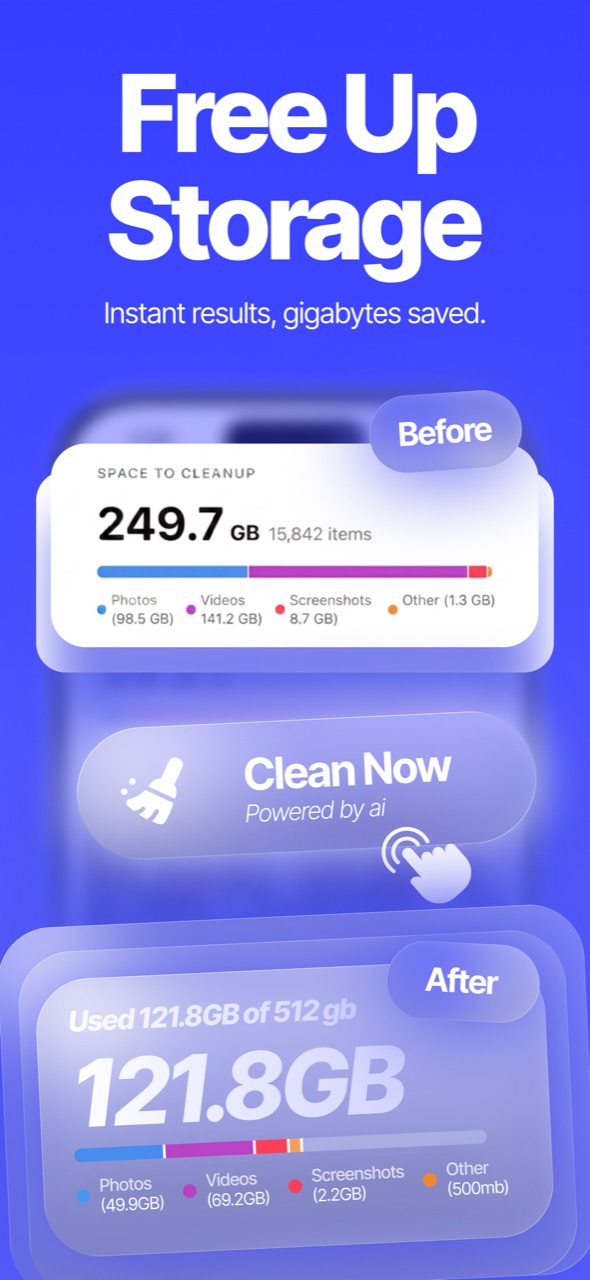
Ultra Cleaner finds your duplicate, similar and blurry photos, compresses huge videos, merges duplicate contacts and locks private photos in a PIN-protected vault — so your iPhone feels new again.
Free to download · iOS 18+ · Photos never leave your device during scanning
Features
Everything you need to clean up iPhone storage
One scan finds the clutter. You stay in control of every photo, video and contact that gets removed.
Smart AI cleaning
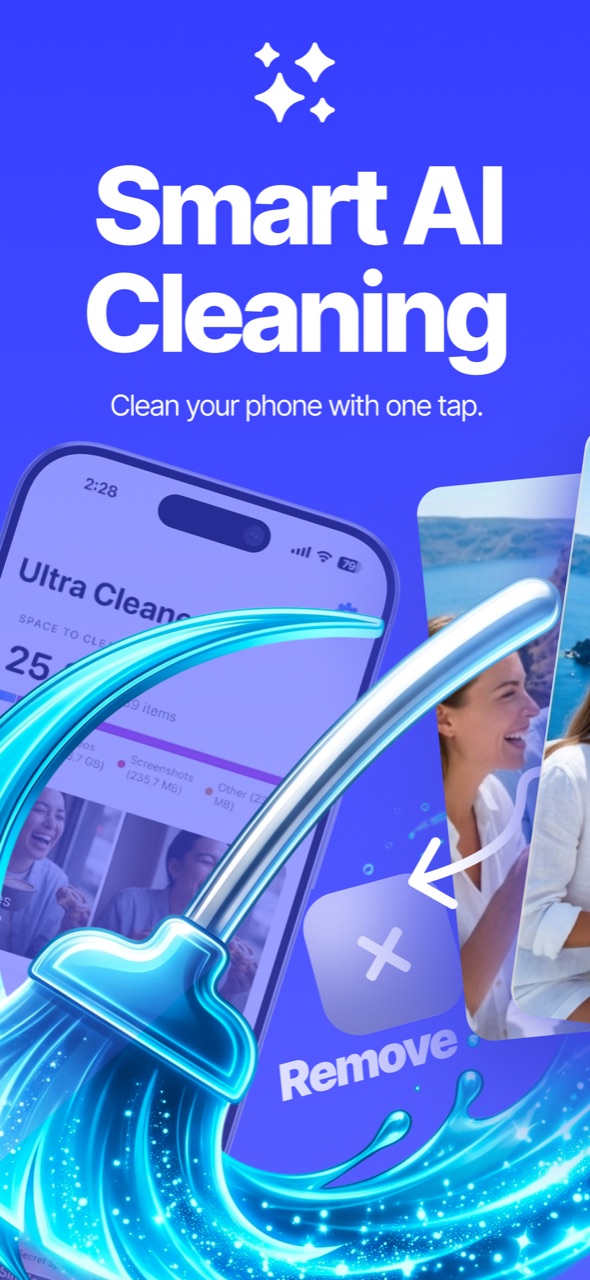
One tap scans your whole library for duplicates, similar shots, blurry photos, old screenshots and huge videos.
How to free up storage →Delete duplicate photos
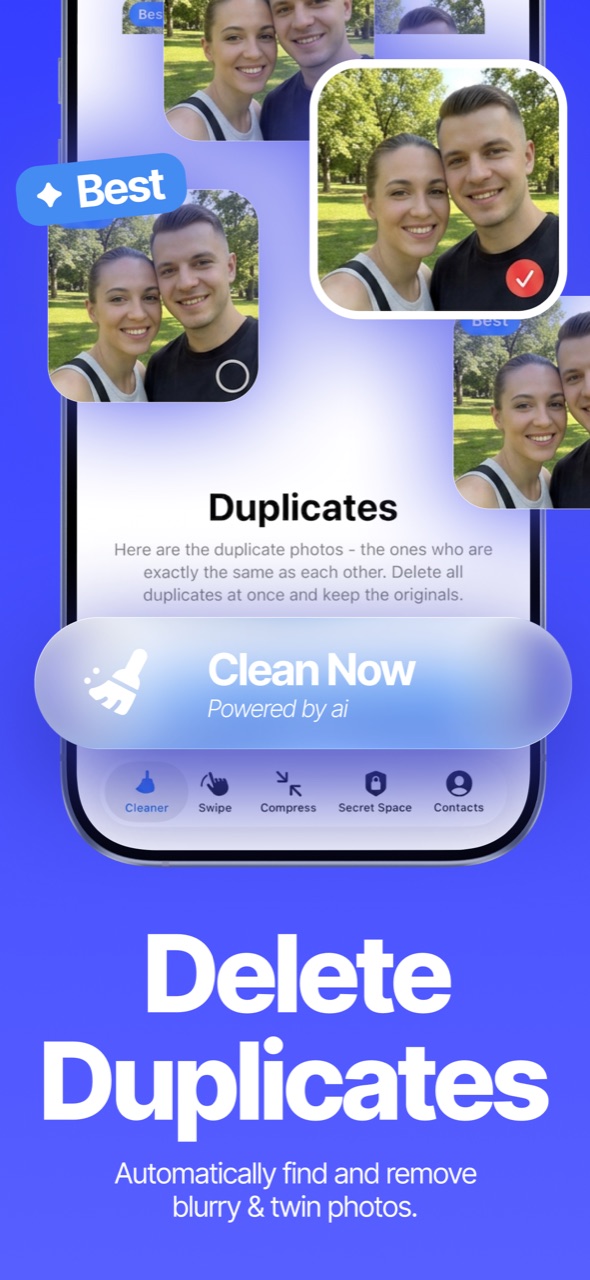
Duplicates and near-identical bursts are grouped with the best copy pre-selected to keep. You confirm, it cleans.
Duplicate photo guide →Swipe to clean
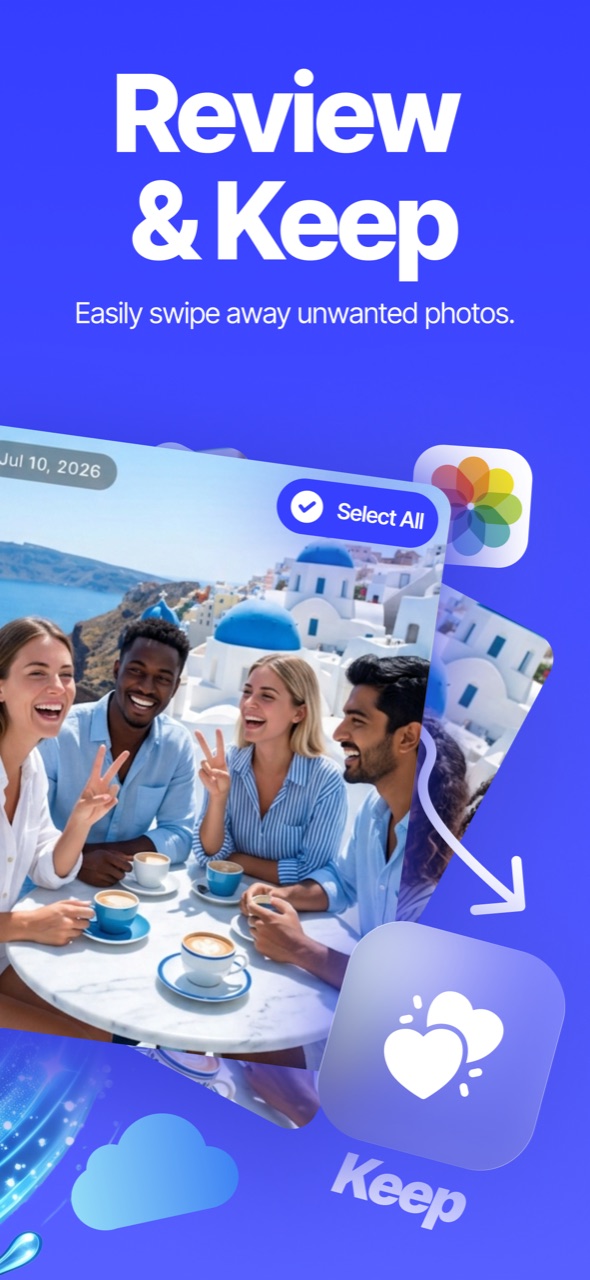
Fly through your camera roll month by month — swipe right to keep, left to delete. Undo anytime, review before anything is removed.
Mass-delete guide →Compress videos
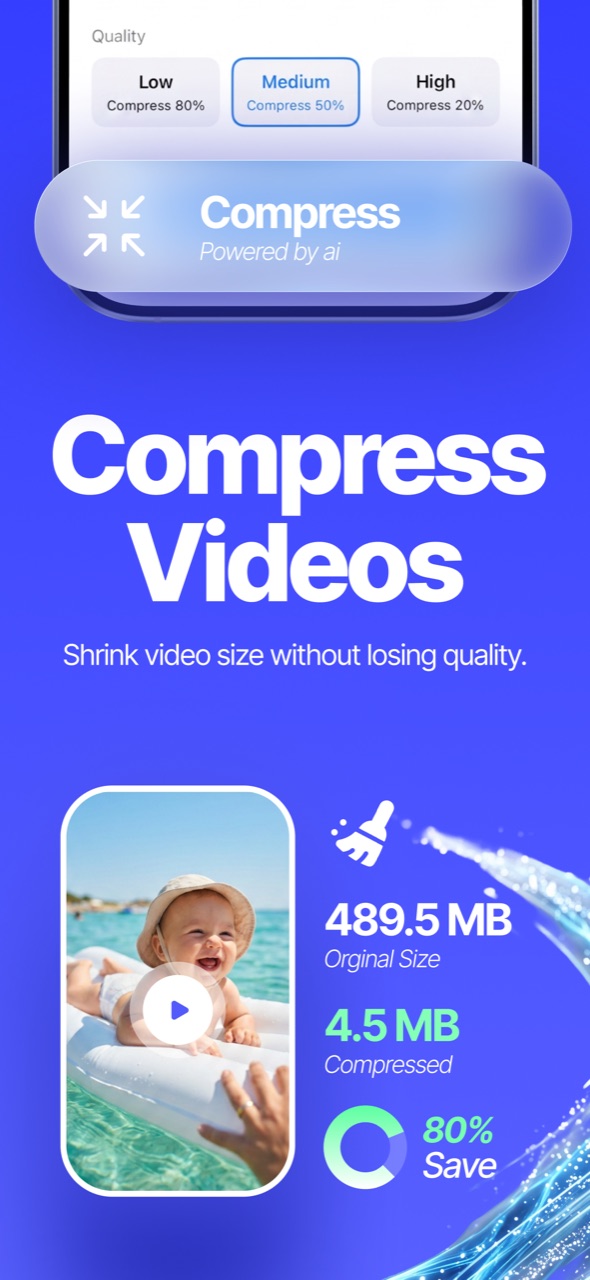
Shrink large videos with quality presets and see exactly how much space you save before removing the original.
Video compression guide →Merge duplicate contacts
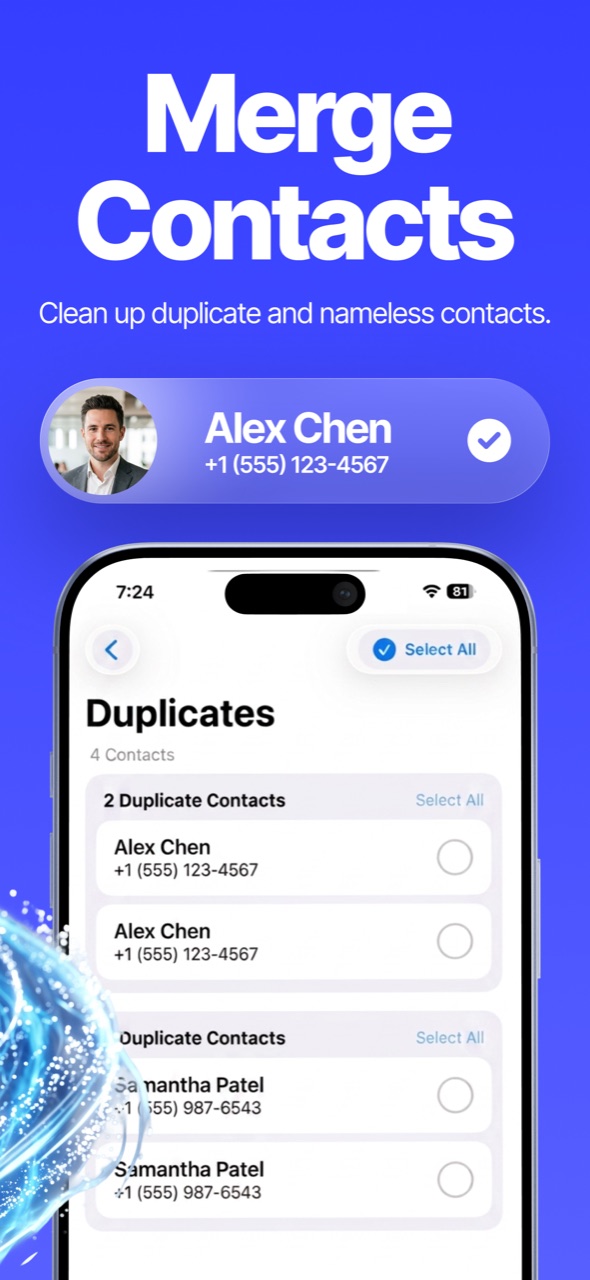
Find contacts that share numbers or names, back up your address book, then merge each group into one clean card.
Contacts guide →Secret photo vault
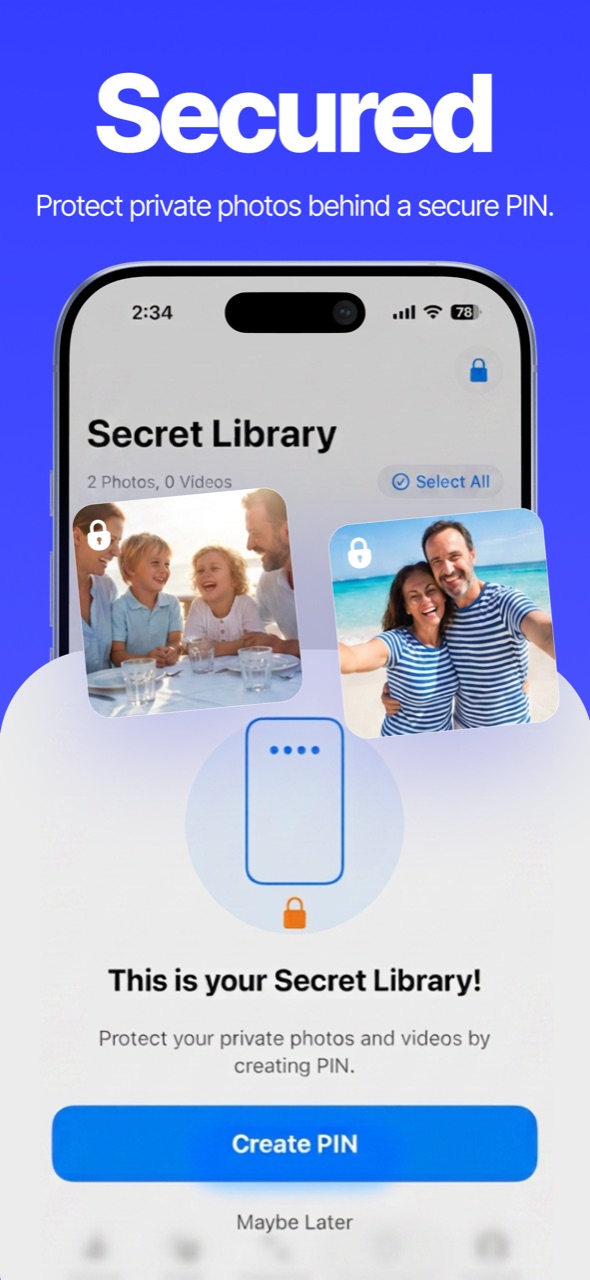
Move private photos and videos into an encrypted Secret Space behind a PIN only you know.
Hide photos guide →Email cleaner
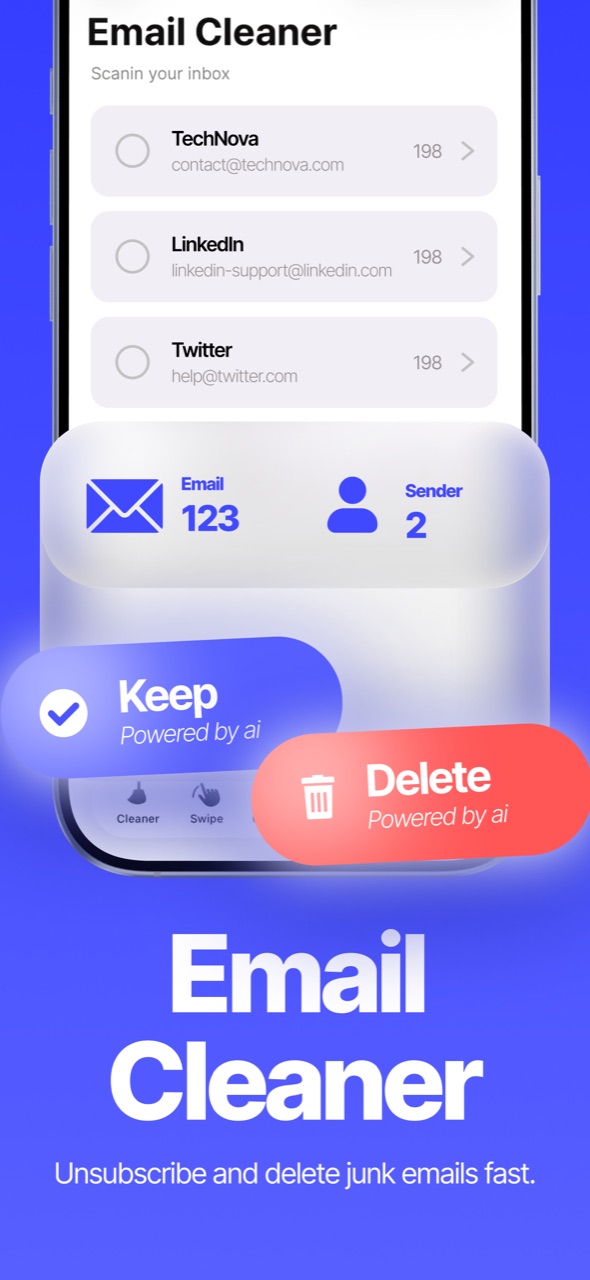
Connect Gmail and wipe out whole categories of junk — Promotions, Social, Updates — thousands of emails in minutes.
Email cleanup guide →Screenshots
See Ultra Cleaner in action
Scan, review, and reclaim your storage — all from one simple app.
How it works
Clean your iPhone in three steps
No manual sorting through thousands of photos. The app finds the clutter — you approve what goes.
Scan
Open the app and let the on-device AI scan your photo library, videos and contacts. Nothing is uploaded — analysis runs on your iPhone.
Review
See duplicates, similar shots, blurry photos and screenshots grouped together, with the best copy of each photo already picked to keep.
Clean
Tap once to clean. Deleted photos go to your Recently Deleted album for 30 days, so nothing is ever lost instantly.
Guides
iPhone cleaning guides
Practical, step-by-step answers to the most common iPhone storage problems.
How to free up storage on iPhone
Nine ways to reclaim space — without deleting the photos you love.
How to delete duplicate photos
Find and remove duplicate and similar photos in minutes.
How to mass delete photos
Clean an entire camera roll fast with swipe review.
How to compress videos
Shrink video file sizes without ruining quality.
How to merge duplicate contacts
De-duplicate your address book safely, with a backup.
How to hide photos on iPhone
Lock private photos and videos behind a PIN.
How to delete blurry photos
Sweep out blurry shots and stale screenshots automatically.
iPhone storage full but nothing on phone?
Why it happens and how to actually fix it.
How to mass delete emails
Clean whole Gmail categories in bulk — recoverable from Trash.
FAQ
Frequently asked questions
How do I free up storage on my iPhone without deleting everything?
Most "full storage" is duplicate, similar and blurry photos plus oversized videos. Ultra Cleaner groups that clutter and keeps the best copy of each shot, so you free gigabytes while keeping every memory. Learn more →
How does Ultra Cleaner find duplicate photos?
An on-device AI scan groups exact duplicates and near-identical similar shots, then pre-selects everything except the best copy in each group. Learn more →
Can I compress videos without losing quality?
Yes — choose a quality preset and the app re-encodes the video, showing the exact size saving before you remove the original. Learn more →
How do I merge duplicate contacts on iPhone?
The app groups contacts sharing a phone number or name, offers a one-tap backup first, then merges each group into a single card that keeps every number, email and address. Learn more →
How can I hide private photos on my iPhone?
Secret Space stores photos and videos encrypted behind a PIN you choose, outside your photo library. Learn more →
Can Ultra Cleaner clean up my email inbox too?
Yes — connect Gmail and delete whole categories like Promotions and Social in bulk. Deleted mail goes to Gmail's Trash, recoverable for 30 days. Learn more →
Are deleted photos gone forever?
No. Everything you clean goes to the iOS "Recently Deleted" album for 30 days first, so you can restore anything you change your mind about.
Is Ultra Cleaner free?
The app is free to download and includes free daily cleaning. Unlimited cleaning is available with a subscription.
Do my photos leave my iPhone?
No. Scanning and photo analysis run entirely on your device — your photos are never uploaded for cleaning.
Ready to free up gigabytes?
Download Ultra Cleaner and clean your iPhone in the next five minutes.
Download on the App Store